


If you want to turn Instagram into a reliable growth channel, understanding who your most recent followers are and why they followed matters. Recent followers reveal whether your content is attracting the right audience, which posts or Reels drive conversions, and how your profile is performing this week rather than last quarter. This guide shows how to see recent followers on Instagram using the app’s native features and how to analyse that data so you can create more of what works.
Can you see your most recent followers on Instagram?
Short answer, partly. Instagram does not provide a chronological sort for your Followers list. You cannot reorder it by newest or oldest. However, you still have useful ways to monitor recent follows.
- Notifications show a chronological feed of who started following you.
- Insights for Professional accounts show follower growth by day and let you see how many follows each post or Reel generated.
- Your Followers list helps you audit new profiles, although the order is algorithmic rather than strictly recent.
According to Instagram’s official documentation, Insights are available to Business and Creator accounts and include follower growth and audience breakdowns. If you do not yet have a Professional account, switch in a few taps. See Meta’s guidance on professional accounts and Insights in the Instagram Help Centre for current details.
- Switch to Professional account: Settings and privacy, Account type and tools, Switch to professional account. Instagram Help Centre
- About Instagram Insights: what you get and how to read it. Instagram Help Centre
How to see your recent followers
1) Use Notifications for a chronological view
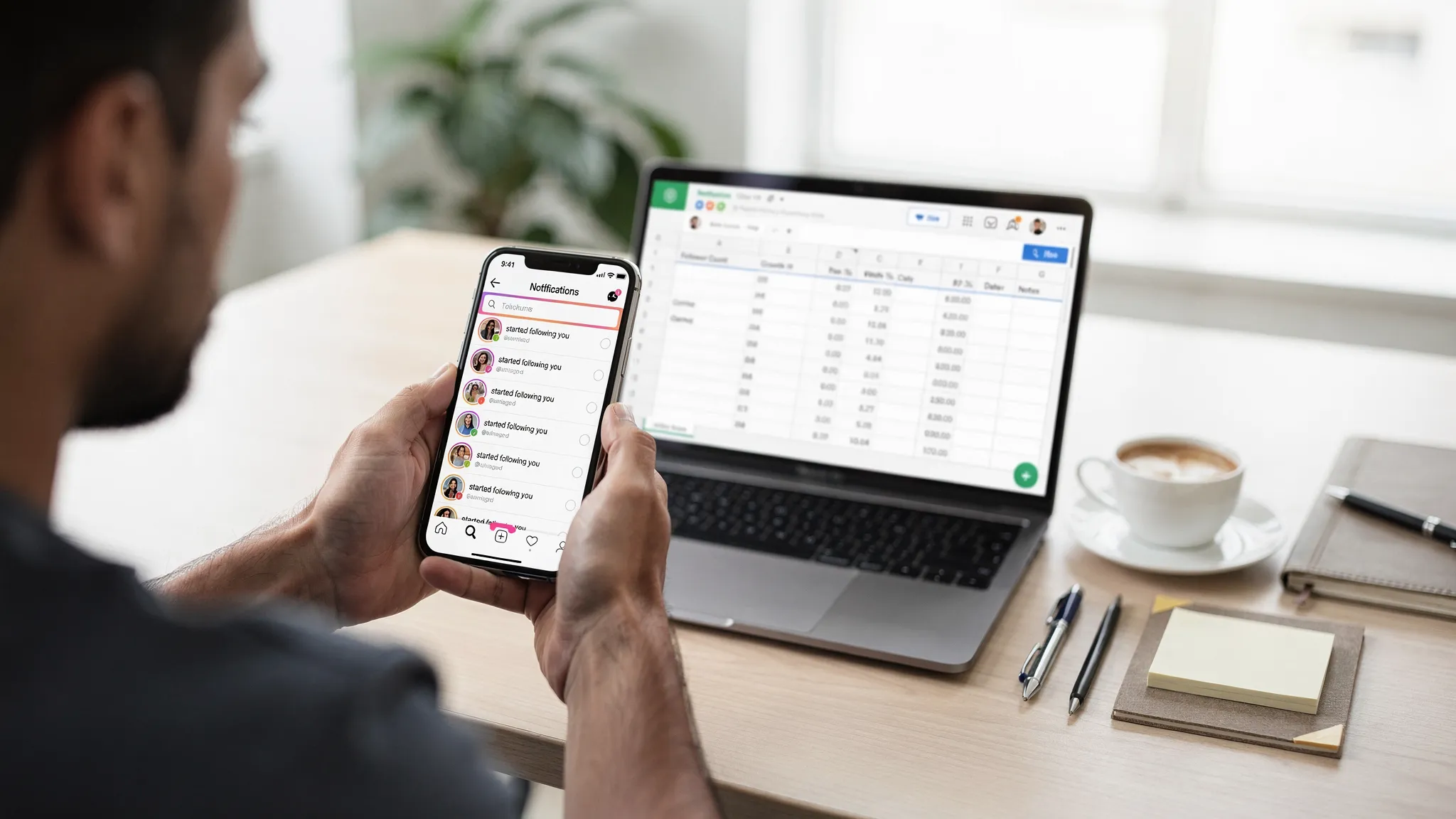
On the Instagram app, tap the heart icon to open Notifications. Scroll to find entries that read started following you. These are displayed in reverse chronological order, which makes Notifications the simplest way to see who followed most recently.
Tip: if you receive a lot of notifications, open Notifications several times per day and do a quick scan. Engage with new followers that match your ideal audience while you are still top of mind.
2) Scan your Followers list for verification and outreach
From your profile, tap Followers to view the list. This is not strictly chronological, but it is still useful for:
- Manually checking new names you saw in Notifications
- Spotting suspicious or low quality accounts
- Following back VIPs or partners
You can also remove a follower directly from this list if needed. Tap Remove next to a profile to maintain audience quality.
3) Turn on Insights to quantify new follows
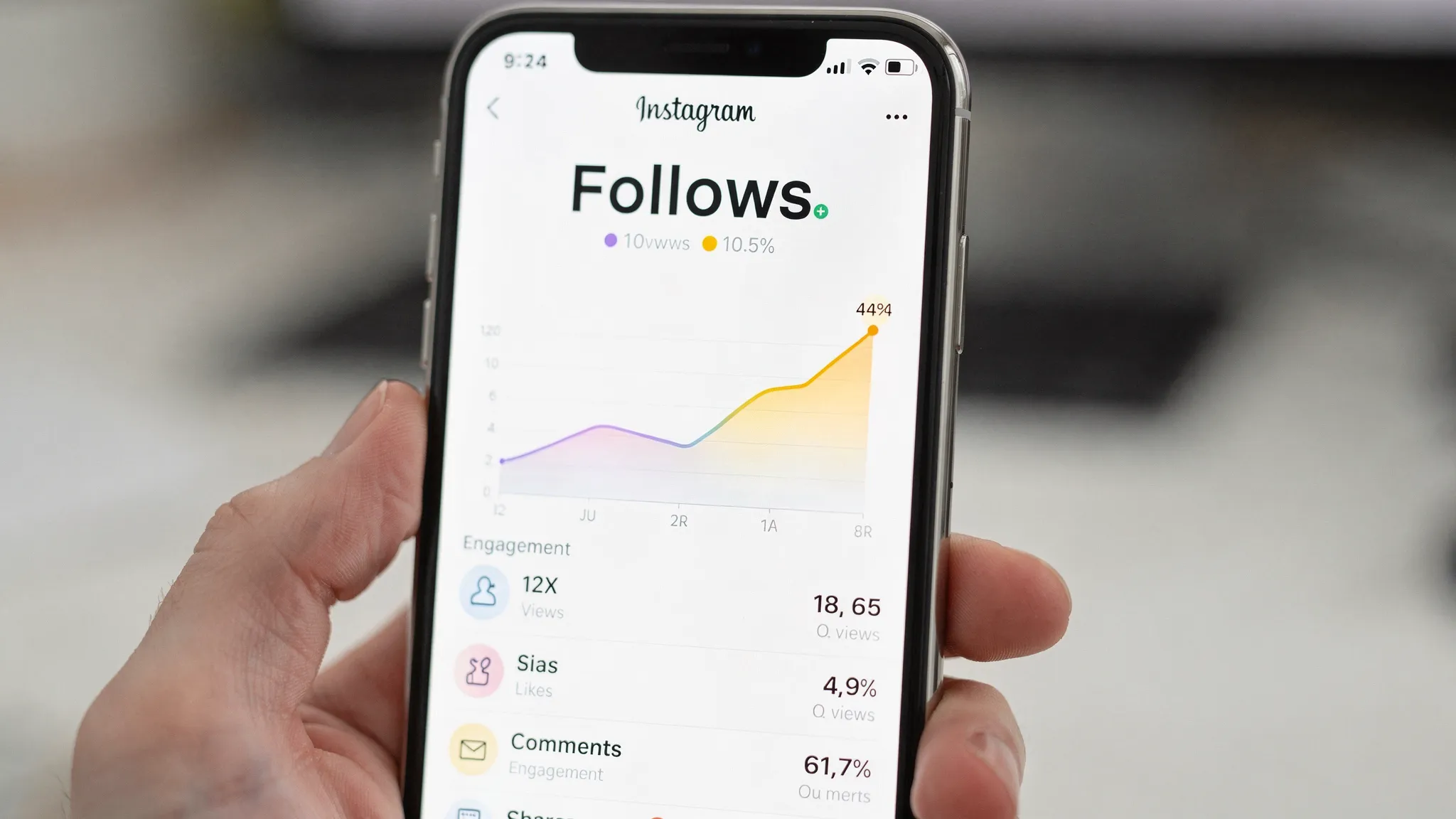
For Business or Creator accounts, tap Professional dashboard on your profile, then select Insights, Audience, Growth. Here you will see follows and unfollows by day within your chosen date range. It does not list names, but it gives a truthful picture of when growth spiked or dipped. This is essential for attributing results to specific campaigns or content drops. Instagram Insights overview
4) Attribute follows to posts and Reels
Open any post or Reel and tap View insights. Among the metrics, look for Follows. This tells you how many people started following from that specific piece of content. It is one of the most actionable signals for content strategy because it shows conversion into followers rather than surface level reach.
Quick comparison of ways to see recent followers
| Method | Shows names | Chronological | Best for | Limitations |
|---|---|---|---|---|
| Notifications | Yes | Yes | Seeing who followed today or this hour | Older events fall off your feed over time |
| Followers list | Yes | No | Auditing profiles and removing suspicious followers | Order is not by most recent |
| Insights, Growth | No | Yes, by date | Spotting spikes, linking to campaigns | No identity level detail |
| Post or Reel Insights, Follows | No | N A at follower level | Content attribution | Does not show who followed |
Note, the Instagram Graph API does not expose a follower list with timestamps to third parties, which is why most external tools cannot show a definitive list of your newest followers. Treat any app that claims it can with caution and never share your password.
Build a lightweight recent follower tracker in 10 minutes
A simple system helps you catch patterns quickly without expensive software.
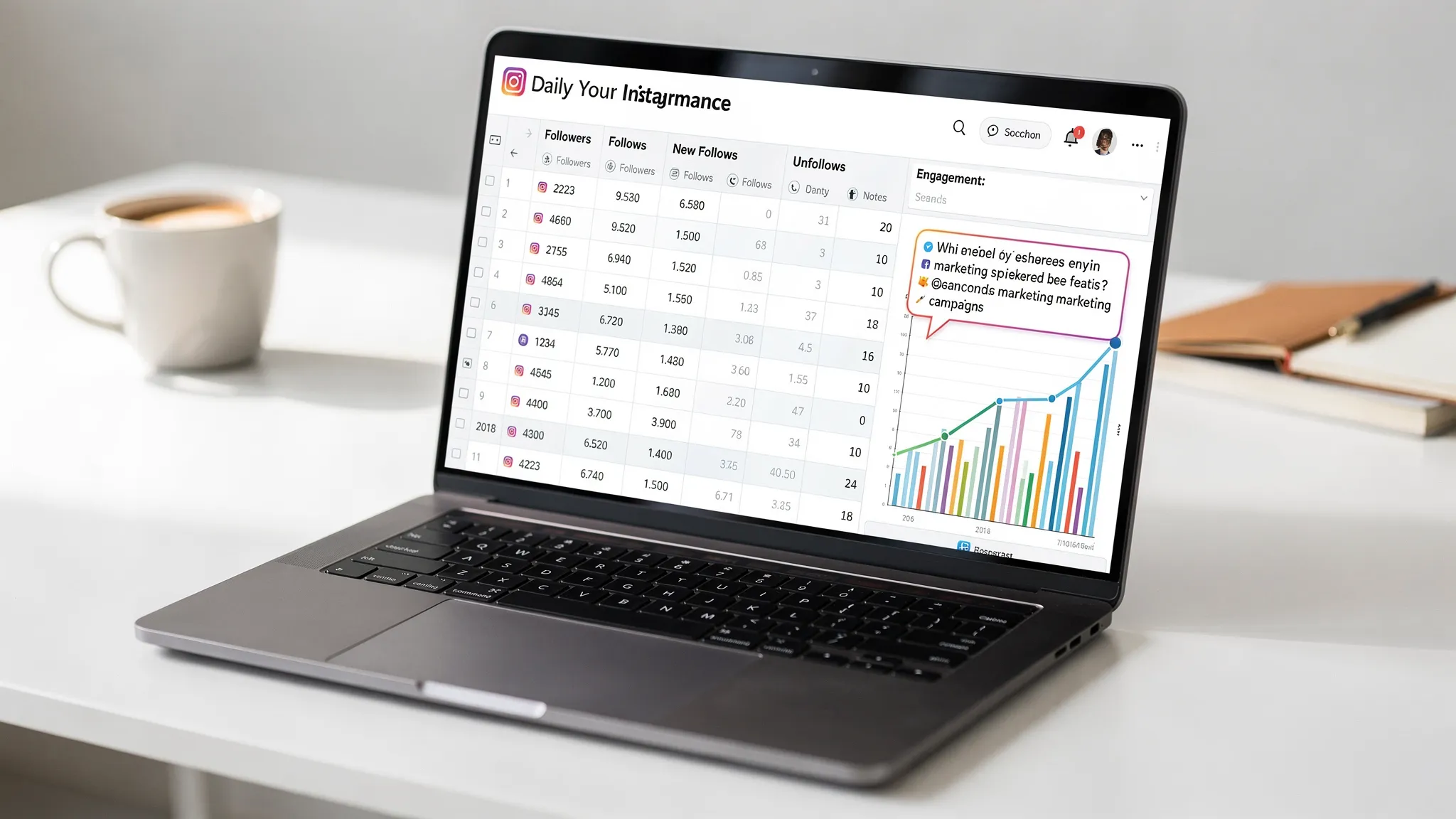
- Create a sheet with columns: Date, Total followers, Follows today, Unfollows today, Content posted, Reels that day, Notable spikes, Hypothesis.
- Each evening, log numbers from Insights, Growth and add which posts or Reels you published.
- If you have time, skim Notifications and note a few standout new followers, for example ideal customers, creators in your niche, or verified accounts.
- Add one sentence on why you think you grew that day. Over two weeks you will see repeatable patterns emerge.
How to analyse your recent followers and act on the insights
1) Check if you are attracting the right people
Open a handful of recent followers from Notifications and ask:
- Do their bios match your niche or target market?
- Are they in the regions you care about?
- Do they follow similar creators or brands?
If the answer is yes, double down on the content type that brought them in. If not, review your hooks, hashtags, and the clarity of your value proposition in your bio and pinned posts.
2) Map follows to content format and topic
Use post level Insights to identify which formats convert best.
- Reels that teach or entertain in the first three seconds often drive higher Follows compared to static posts.
- Carousels with a strong headline on slide one can convert if your audience likes deep dives.
- Stories rarely drive many Follows on their own but can warm people for the next Reel or post.
Create a simple ratio: Follows per 1,000 reach for each format. Prioritise formats with the highest conversion, not just the biggest reach.
3) Time your publishing around growth windows
In Insights, Audience shows top locations and most active times. Publish just ahead of your audience’s peak activity and keep an eye on Growth. If you consistently see follows spike after evening Reels, schedule your best ideas for that slot.
4) Track follow sources indirectly
Instagram does not list where every follow came from, but you can approximate:
- If a Reel shows a large Follows count, attribute those follows to that creative.
- When growth spikes on a day you were mentioned by a larger account, attribute the lift accordingly and build that relationship.
- If you push a specific call to action in Stories and Growth ticks up within 24 hours, note it.
5) Protect your audience quality
Accounts with large clusters of suspicious followers risk lower engagement and weaker distribution. Use your Followers list to remove obvious spam profiles. A cleaner, more relevant audience improves your signal to the algorithm and the credibility your profile projects to human visitors.
6) Convert new followers into fans within 48 hours
- Reply to relevant comments quickly while the relationship is fresh.
- Pin an evergreen post that clearly states your promise, what you post, and what to do next.
- Publish a welcome Story Highlight that guides new followers to your best content, lead magnet, or product demo.
Common pitfalls when chasing recent followers
- Relying on the Followers list for recency. It is not chronological, so use Notifications and Insights for the most accurate picture.
- Ignoring the Follows metric on posts and Reels. Reach without conversion is a vanity metric.
- Using unapproved third party apps that promise detailed follower timestamps. These often break Instagram’s terms and can put your account at risk.
- Over correcting too soon. Look for patterns across a week or two instead of reacting to a single spike or dip.
Example analysis workflow for a busy creator or small brand
- Monday: Publish a Reel. Check View insights after 24 hours. Record Follows for that Reel and the overall Growth numbers for the day.
- Wednesday: Post a carousel with a strong headline and a clear follow prompt. Track Follows from this post.
- Friday: Publish a Reel that links back to Monday’s theme. Compare Follows per 1,000 reach between Monday and Friday.
- Sunday: Review the week in your sheet. Identify your highest converting creative and plan two variations for next week.
This routine takes 10 to 15 minutes per day and compounds your understanding of what actually drives follower conversion.
Is it possible to see someone else’s most recent followers?
Not reliably. Instagram does not provide a chronological follower list for other accounts. Any external tool that claims to show this is either guessing from partial public data or using methods that may violate platform rules. Focus on what you can control, your own content, your Insights, and the quality of your audience.
When to add social proof to accelerate results
If your analysis shows that your content converts but discovery is slow, it may be time to boost credibility signals. New visitors decide in seconds whether to follow. A healthy follower count and active engagement make a strong first impression and can help your posts earn a fair shot with the algorithm while your content engine spins up.
At ViralShift, we provide Instagram exposure services delivered fast and digitally, designed for creators and businesses who need momentum. Use social proof strategically alongside consistent content and real engagement. If you are just starting, read our guide on building momentum and using growth services responsibly: How to Grow on Social Media Faster. For a deeper look at why growth feels tougher now and how social proof fits into modern algorithms, see Why Growing on Instagram and TikTok Feels Harder Than Ever.
Frequently Asked Questions
Can I sort my followers by most recent on Instagram? No. Instagram does not offer a recent sort for your Followers list. Use Notifications for a chronological view of new follows and Insights for day by day growth.
Where do I find how many people followed from a specific post or Reel? Open the post or Reel, tap View insights, and look for the Follows metric. This is the best way to measure which content converts viewers into followers.
Do I need a Professional account to see Insights? Yes. Insights are available for Business and Creator accounts. Switching is free and takes a few taps in Settings and privacy.
Can third party apps show my newest followers with exact timestamps? Generally no, because the official Instagram APIs do not provide follower lists with timestamps. Be cautious of any app that asks for your password or makes claims that sound too good to be true.
What is a good Follows per 1,000 reach benchmark? It varies by niche. Track your own baseline for a few weeks and aim to beat your personal best by iterating on the formats and hooks that convert.
Should I remove suspicious followers? Yes. Removing clearly fake or irrelevant profiles can improve your engagement quality and the accuracy of your Insights.
Ready to turn insights into momentum? If your content is working but you need a stronger first impression and faster traction, explore Instagram exposure options from ViralShift. We offer digital delivery, fast checkout, and support for multiple currencies so you can focus on creating while we help with visibility and social proof. Discover the options at ViralShift.